
Create and manage workspaces
A workspace is where your AI chats, connected ad platforms, and automations come together. You create workspaces under an organization, and we recommend one per brand or advertiser.
Create a workspace
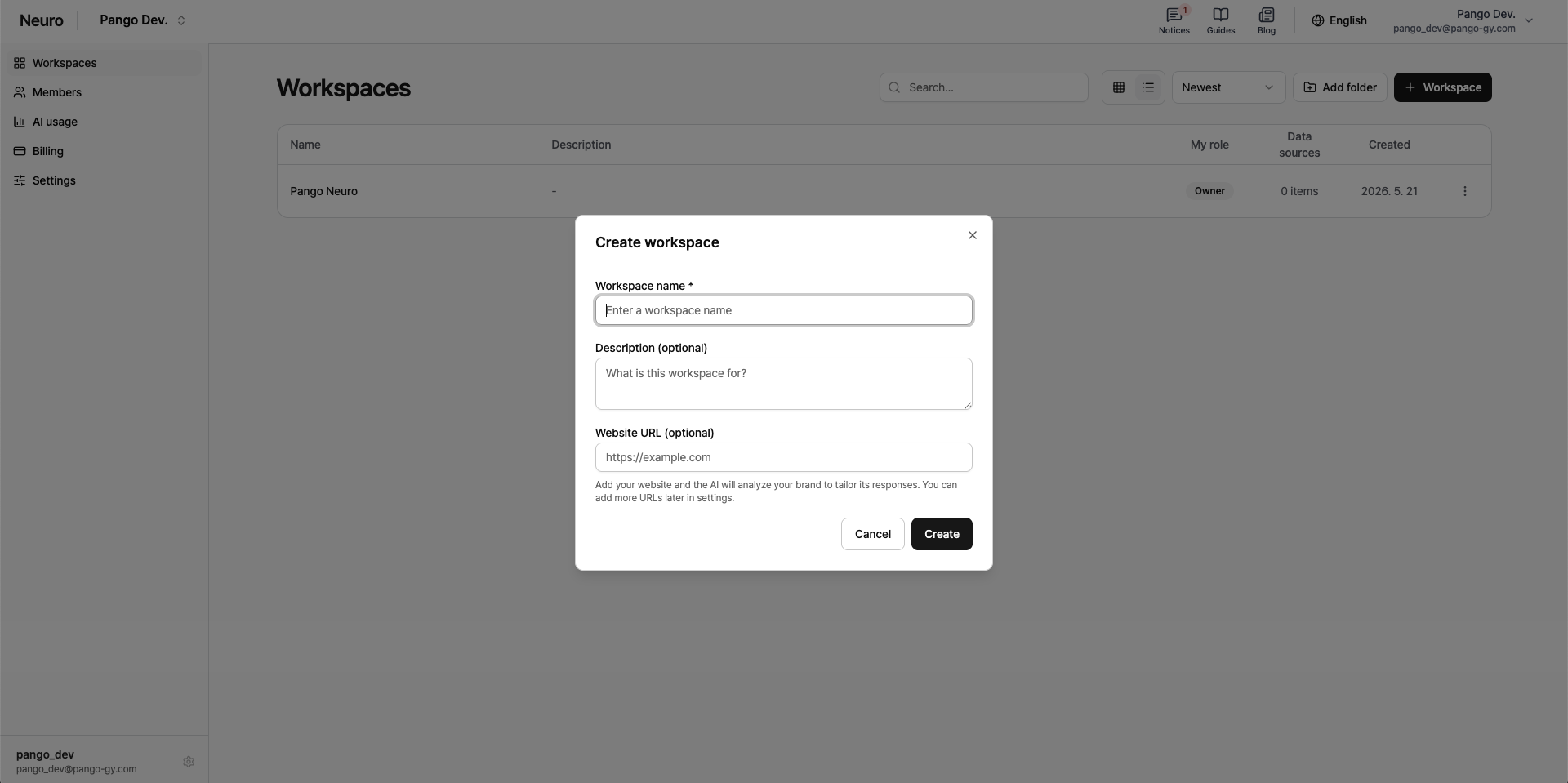
On your organization page, click New workspace.
Enter a Workspace name (required).
Description and homepage URL are optional. If you enter a homepage URL, the AI analyzes your brand and gives you more tailored responses.
Manage members
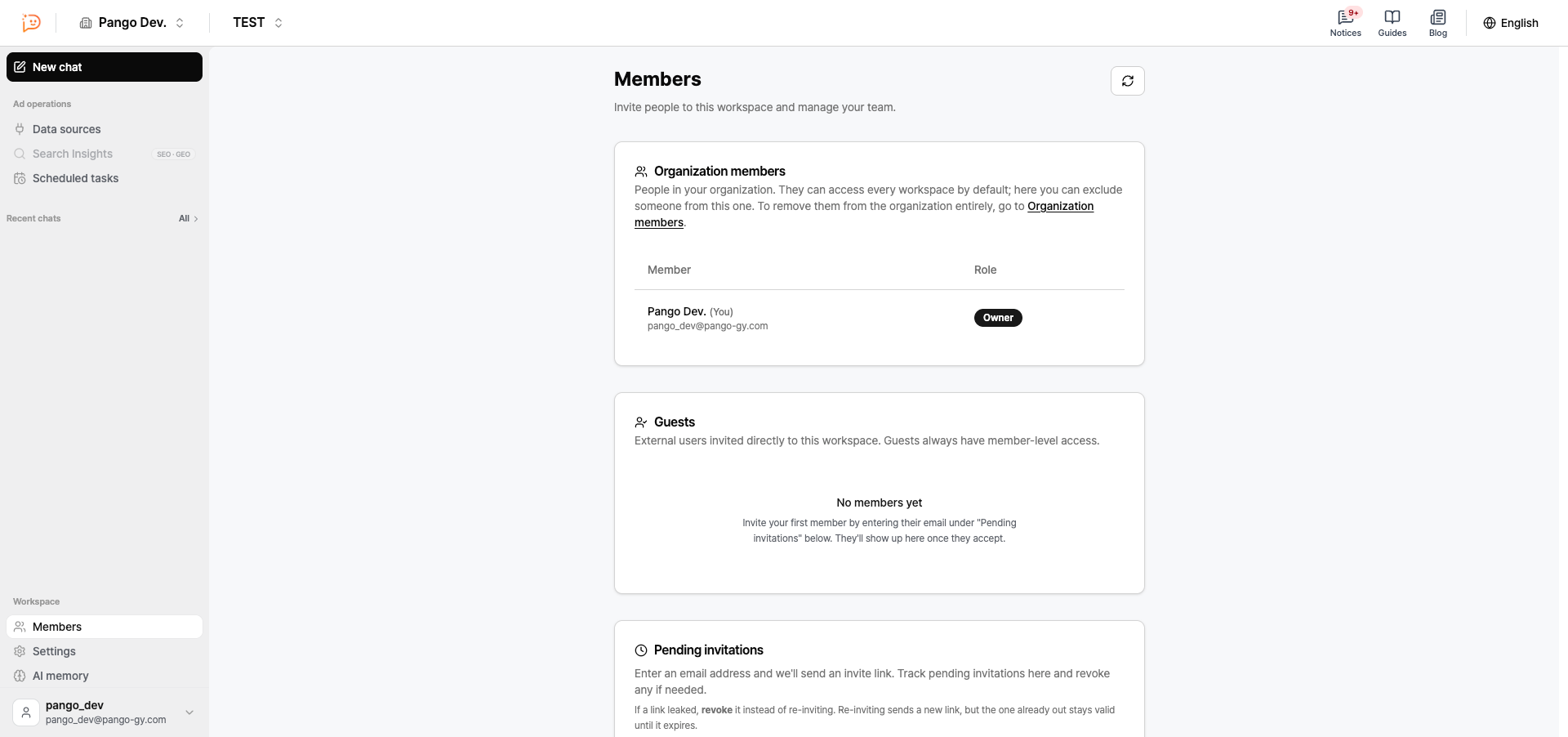
Under Workspace > Members, you can see two types of members.
Organization members: People who belong to the organization. They automatically have access to every workspace.
Guests: Outside users (such as freelancers) invited directly to a workspace. A guest's role is fixed as Member and can't be changed.
Workspace settings
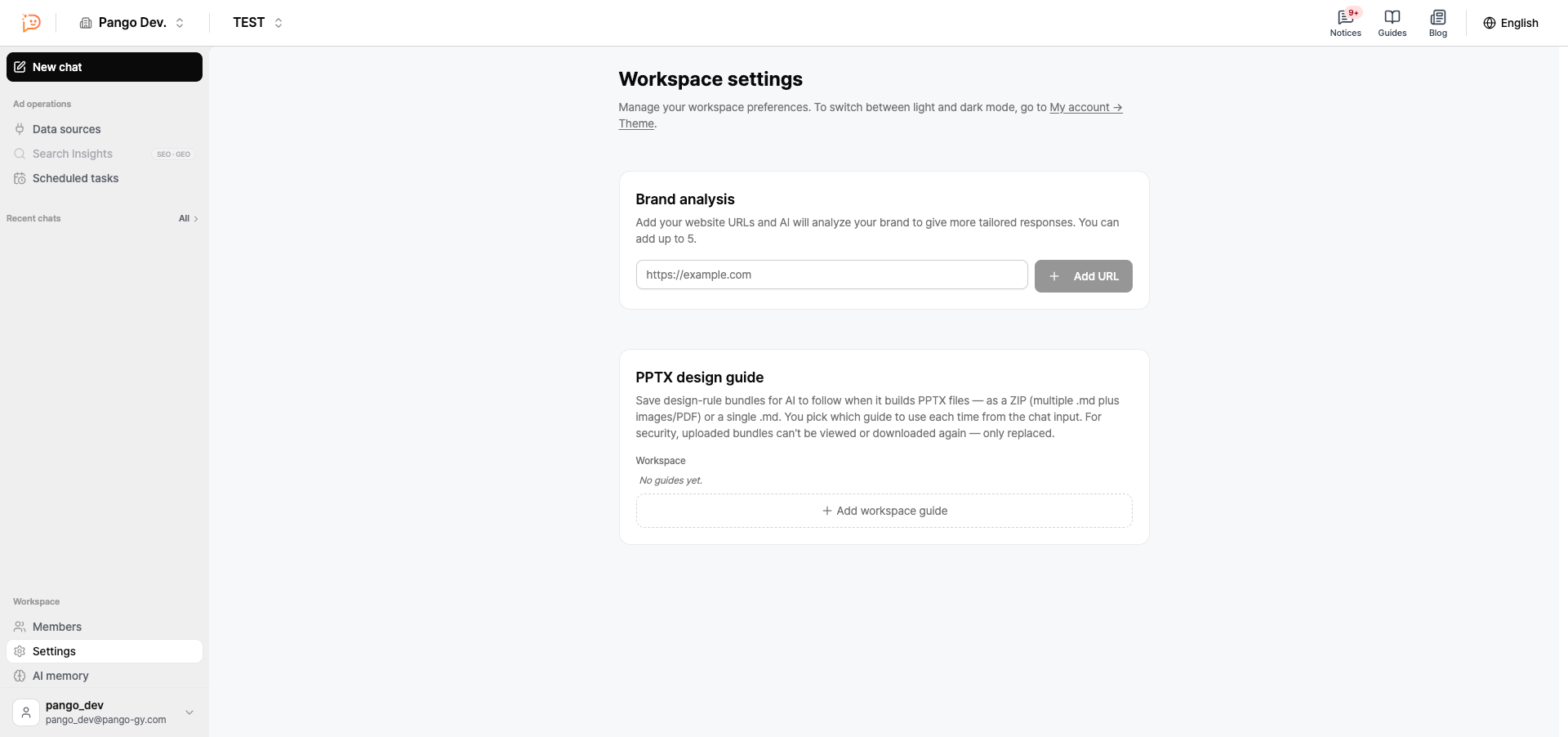
Manage these under Workspace > Settings.
Brand analysis: Add your homepage URL, and the AI analyzes your brand to give you more tailored answers. You can add up to 5.
PPTX design guide: Add design rules for the AI to follow when it creates PPTX files. You choose which guide to use in chat each time.
Next steps
Once you've created a workspace, connect your ad platforms. See the Connect your ad platforms guide.