
Connect your ad platforms
Connect the ad accounts and data you want the AI to analyze. The more data you connect, the more platforms you can compare and analyze side by side.
How to connect
Go to Workspace > Data sources.
Click the card for the platform you want to connect.
Follow the prompts to sign in and grant access (OAuth), and you're connected. You can disconnect at any time.
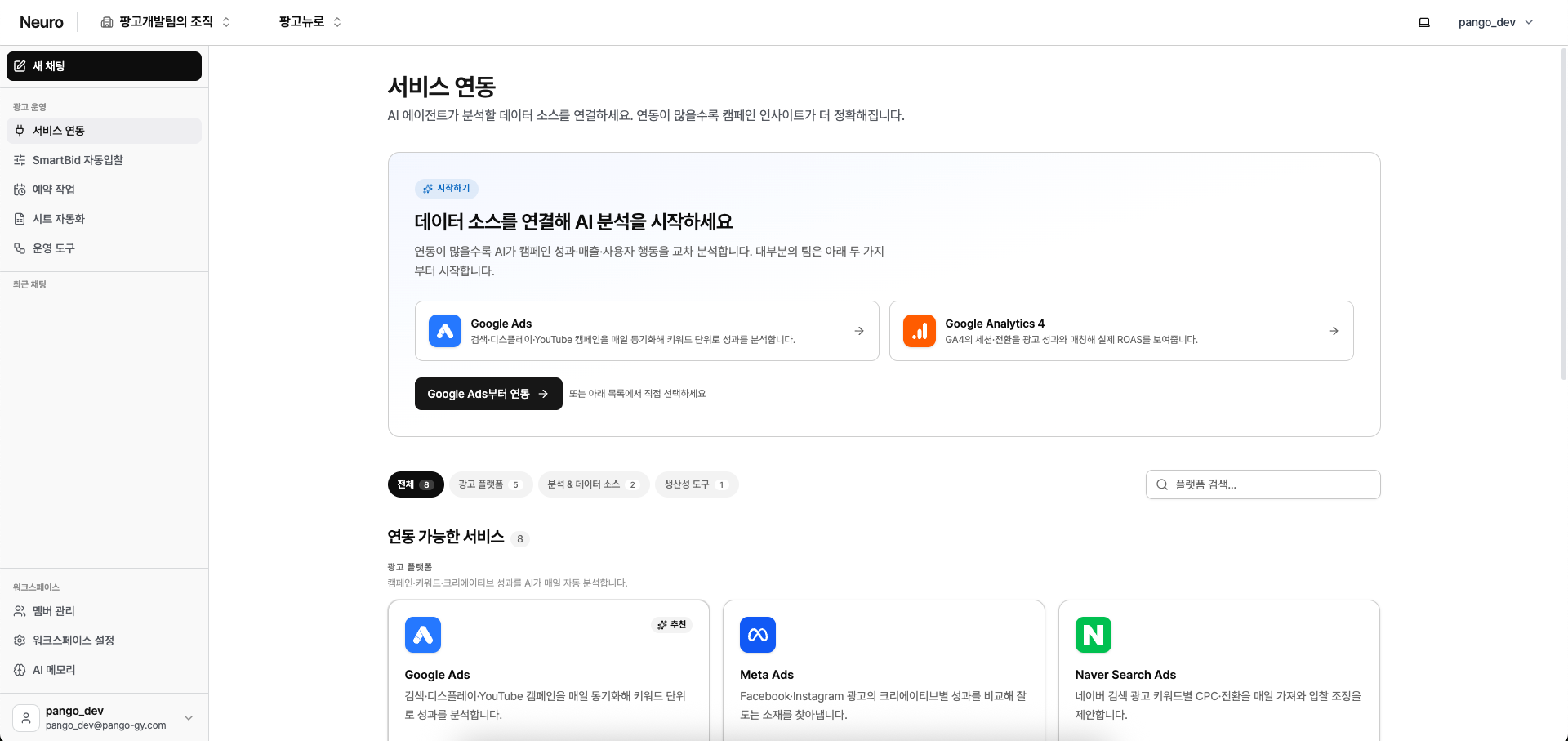
Services you can connect
Ad platforms
Naver Search Ads, Google Ads, Meta Ads, Kakao Moment, TikTok Ads, Microsoft Ads (Bing), Criteo, Pinterest Ads, Reddit Ads, X Ads, LinkedIn Ads, Display & Video 360, Apple Ads, ChatGPT Ads, LY Ads (Search), LY Ads (Display), Amazon Ads, Karrot Ads, Moloco
Commerce, catalogs & creators
Naver Commerce (SmartStore), Meta Catalog, TikTok Catalog, Meta Creator Marketplace, TikTok Creator Marketplace
Analytics & measurement
Google Analytics 4, Google Tag Manager, Google Search Console, AppsFlyer, Adjust, Airbridge, BigQuery
Docs & collaboration
Google Sheets, Google Docs, Notion, Slack, NAVER WORKS